 Spectra
How-to · equipment
Buy a production route, not a specification sheet.
Match equipment to the jobs, materials, space, power, ventilation, finishing and service model you can support.
Published by Spectra · no named expert reviewer is claimed · last reviewed 17 September 2026 · operational guidance, not technical, legal or safety certification.
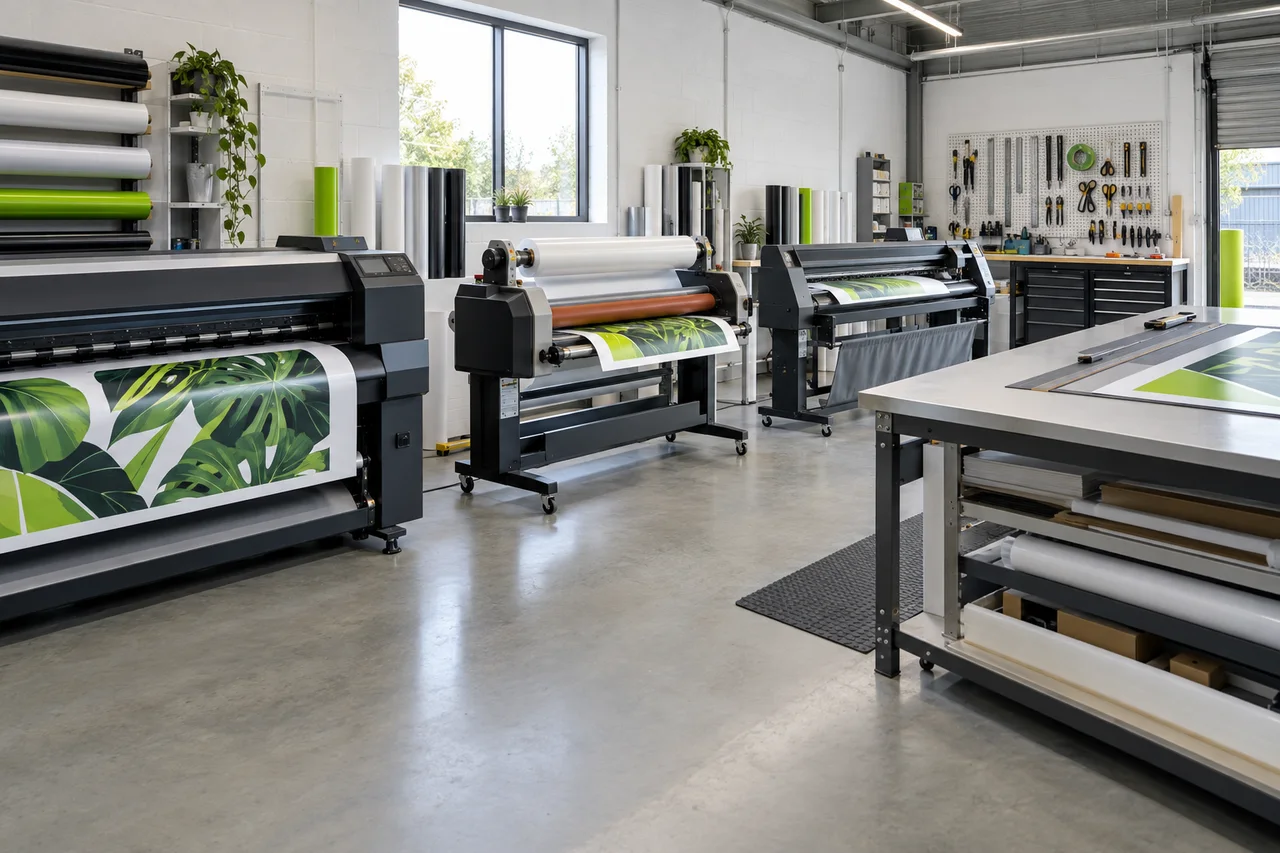
The practical answer
Start with the bottleneck that owning equipment will actually solve. A plotter and finishing bench may unlock a focused vinyl offer; a large-format printer introduces colour, ink, maintenance, ventilation, media, finishing and uptime responsibilities as one connected system.
Foundation
Measure, finish and handle well first.
A dependable tape and laser measure, square, safe cutting system, application tools, clean finishing table, storage, lighting, cleaning materials and photo/documentation process influence quality before a major machine does.
Routes
Choose the chain that matches the product.
Cut vinyl work may need design/RIP software, a plotter, weeding and application tools. Printed graphics add printer, media profiles, drying/curing behaviour and often lamination. Rigid signage adds sheet handling, cutting/routing and extraction decisions. Installation brings separate access and safe-working equipment.
| Equipment | Good question before buying | Often forgotten |
|---|---|---|
| Vinyl cutter / plotter | What width, tracking and contour-cut work is real? | Blade setup, weeding space and file control |
| Printer | Which sellable products and monthly volume justify it? | Power, ventilation, profiling, white ink, maintenance and downtime |
| Laminator | Which films, widths and finish standards are required? | Clean area, roll handling and operator technique |
| Router / cutter | Which substrates and edge quality are needed? | Extraction, noise, tooling, guarding and sheet handling |
R530 example
Use the HP Latex R530 as a capacity case—not a starter prescription.
HP describes the R530 as a 1.63 m hybrid printer for flexible media and rigid sheets. Its official data sheet lists roll media from 457 to 1,625 mm, rigid sheets up to 1,615 by 1,524 mm, media thickness up to 50.8 mm, white ink, and an operating-area requirement that changes between flexible and rigid use. It also lists two 200–240 V power cords and operating power around 2.5–4 kW, with a 5 kW peak.
- Confirm current dimensions and site clearances with HP or the authorised supplier
- Plan table space and safe rigid-sheet handling
- Model utilisation, ink/maintenance cycle and service response
- Test your actual media, colour and finishing route
- Treat white ink and hybrid capability as operational commitments, not just features
Decision
Run a witnessed sample job.
Ask for your substrate, file, finish and turnaround—not a generic demo. Record quality, production time, setup, waste, operator steps, consumables, maintenance, export/profile ownership and failure recovery before comparing total cost.
A sample, not a promise